
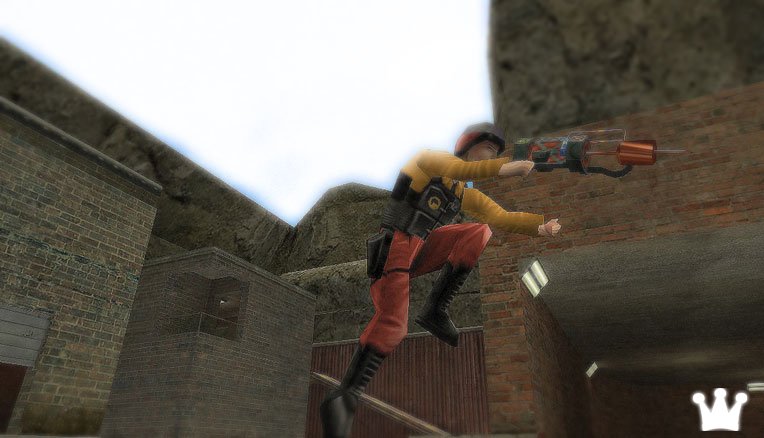
After the Half-Life update of 16.05.2013, bunnyhopping stopped working, or more precisely, the Bunny Hop script did. Bhop no longer works in any Half-Life 1 mod, including Adrenaline Gamer and Sven Co-op.
As of today, the only way to get bunnyhopping working is to roll back to an older version of the game. To do that, do the following:
1. Download the archive with the older version of the game:
2. Extract the contents of the archive into the \Steam\steamapps\common\Half-Life\ folder; if bhop still doesn't work, copy them into Steam\steamapps\[your_account]\half-life.
3. In the game properties, set "Do not automatically update this game". To do that, go to your library, right-click "Half-Life", choose "Properties" -> "Updates". If you also have Counter-Strike, Team Fortress Classic etc. installed, it's recommended to do the same for them.
Разработчики позаботились об этом и заглушили _special команду.
Должен же я где-то ссылку оставить на Sven Co-op в нашей вики.
Half-Life FAQ - ответы на многие вопросы
Все о Half-Life
Интересное о Half-Life
Статистика серверов
Правила HLDM.org
Очень живое обсуждение последних изменений, связанных с распрыгом на GitHub
Half-Life FAQ - ответы на многие вопросы
Все о Half-Life
Интересное о Half-Life
Статистика серверов
Правила HLDM.org
Хотя в любом случае были бы сильнее остальных
Half-Life FAQ - ответы на многие вопросы
Все о Half-Life
Интересное о Half-Life
Статистика серверов
Правила HLDM.org
Лично наблюдал бхоп, когда с Детектором у меня играли.
Они с ручным распрыгом играют. :) Инфа 146%.
Выпилили лишь _special. Что, кстати, хорошо. Автораспрыг - ерунда. :)
Может быть и так. :)